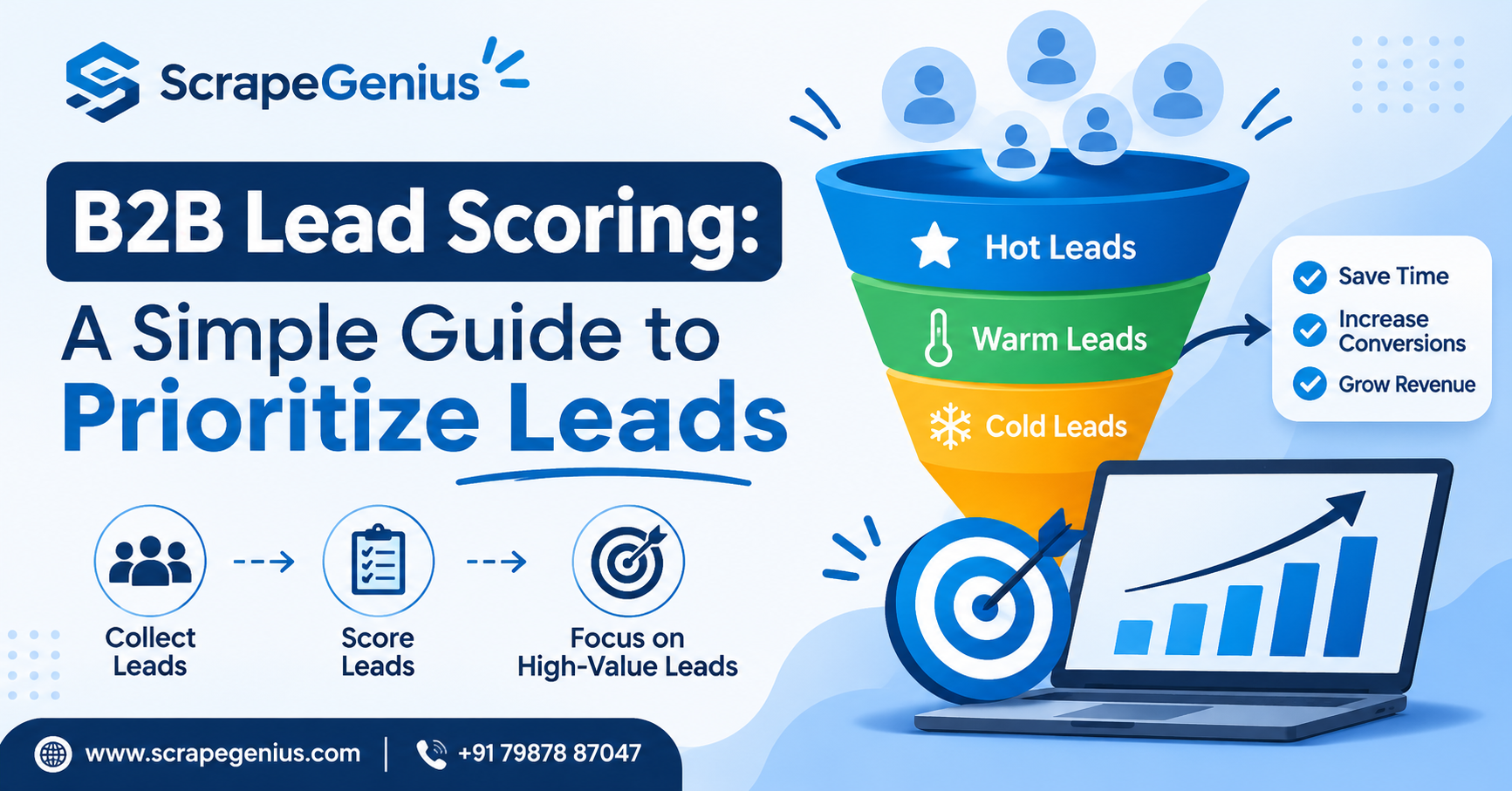
B2B Lead Scoring: A Simple Guide to Prioritize Leads
Every sales team has the same problem: too many leads and too little time. A list of 1,000 business contacts looks great on paper, but only a small part of it is ready to talk. If your team calls everyone in the same order, good opportunities get cold while time goes into leads that were never going to buy. This is where
B2B lead scoring helps. In this guide, we explain what lead scoring is and how to build a simple model that even a small team can use.
What Is B2B Lead Scoring?
B2B lead scoring is a method of giving every lead a number of points based on how well they match your ideal customer and how interested they seem. A lead with a high score goes to your sales team first. A lead with a low score stays in a nurture list for later follow-up.
Think of it as a simple filter. Instead of guessing who to call, you let a clear set of rules tell you.
Why Lead Scoring Matters for Small Teams
Big companies use expensive software for this, but small businesses and agencies benefit even more. When you have two or three people doing sales, every wasted call hurts. Lead scoring helps you:
- Save time: Focus on leads that are most likely to respond.
- Align sales and marketing: Both teams agree on what a “good lead” means.
- Follow up faster: Hot leads get a call or message the same day.
- Improve reporting: You can see which lead sources give better quality.
The Two Types of Signals: Fit and Intent
A good scoring model uses two groups of signals.
1. Fit (Who they are)
Fit tells you whether the company looks like your best customers. Common fit signals are:
- Industry or business category
- City, state or country
- Company size or number of branches
- Job title of the contact (owner, manager, purchase head)
- Availability of a working phone number, email and website
2. Intent (What they do)
Intent tells you whether the lead is showing interest. Common intent signals are:
- Replied to your email or WhatsApp message
- Visited your pricing or services page
- Asked for a demo, quote or call back
- Clicked a link in your campaign
- Filled out a form or enquiry
Fit without intent means a good company that is not ready yet. Intent without fit means an interested person who may never become a paying customer. The best leads have both.
How to Build a Simple Lead Scoring Model
Step 1: Define Your Ideal Customer
Look at your last 10 to 20 paying customers. What industry were they in? Which city? What job title made the decision? Write these patterns down. This becomes the base of your fit score.
Step 2: Choose 5 to 8 Scoring Criteria
Do not make it complicated. A model with too many rules is hard to maintain and nobody trusts it. Pick a handful of criteria that really separate good leads from poor ones.
Step 3: Assign Points
Give higher points to signals that are closer to a purchase. For example:
- Target industry: +20 points
- Decision maker contact: +15 points
- Verified phone number and email: +10 points
- Replied to outreach: +25 points
- Requested a demo or quote: +30 points
- Wrong location or not in your service area: -20 points
- Invalid or missing contact details: -15 points
These numbers are only an example. Adjust them to your own business.
Step 4: Set Score Bands
Create three simple groups so your team knows what to do:
- Hot (70+ points): Call or message the same day.
- Warm (40 to 69 points): Send a personalised email or WhatsApp sequence.
- Cold (below 40 points): Add to a monthly newsletter or review later.
Step 5: Review and Improve Every Month
Check which scored leads actually became customers. If many “hot” leads do not convert, your points are wrong. If good customers came from “cold” leads, you are missing an important signal. Update the model regularly.
Common Lead Scoring Mistakes to Avoid
- Making the model too complex: Start small and improve over time.
- Ignoring negative scoring: Wrong location, a competitor or a fake contact should lower the score.
- Never updating the rules: Your market changes, so your scoring should too.
- Scoring with bad data: If phone numbers and emails are wrong, the score means nothing.
- Not involving the sales team: The people who talk to leads know best what a good one looks like.
Good Data Makes Lead Scoring Easier
Lead scoring only works when your data is complete. If a lead has no category, no city or no contact number, you cannot score it properly. This is why many teams start by building a clean, structured list of target businesses.
With
Scrape Genius, you can collect business details such as name, category, address, phone number, website and more from public sources like Google Maps. Because the data comes in a structured format, you can easily add it to a spreadsheet or CRM and apply your scoring rules on top. Always make sure you use data responsibly and follow the rules of the platforms you work with.
Frequently Asked Questions
What is a good lead score?
There is no universal number. A good score is one that you define based on your own customers. Many teams use a 0 to 100 scale and treat anything above 70 as sales-ready, but you should adjust this after checking your real conversion results.
Do I need a CRM for lead scoring?
No. You can start with a simple Excel or Google Sheet and add points using formulas. A CRM becomes useful later when your lead volume grows and you want scoring to happen automatically.
How often should I update my scoring model?
Review it at least once a month in the beginning. After the model becomes stable, a quarterly review is usually enough.
Conclusion
B2B lead scoring does not need expensive tools or technical skills. Define your ideal customer, pick a few clear signals, give them points and review the results regularly. Your team will spend less time on weak leads and more time on real opportunities. Start with a clean and complete lead list, and the rest becomes much easier.
Need help with lead data, digital marketing or web development? Visit
Scrape Genius or contact
Design Collection and let our team support your growth.